Invite someone with a link and they have their own login. Staff see the POS. A manager also handles stock. You see everything, including which staff made every sale and recorded every expense.
Create your account Set-up guides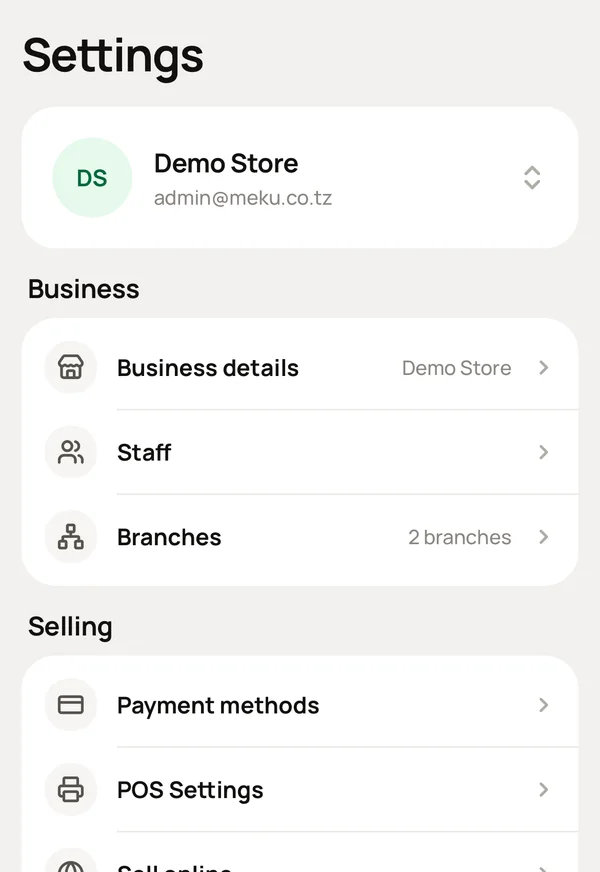
What you do, and what Meku does with it.
Staff → Invite: their name and role. Send them the link.
Gives them their own login, on any phone or computer.
Choose the role.
Shows each role what it needs. Staff: sell, and receive goods from suppliers. Manager: also stock, and moving stock between shops. Owner: everything, including reports, money and closing the business.
Nothing.
Records who made every sale and every expense. When a cash box is short, you talk to one person, instead of suspecting everybody.
When someone leaves, remove their access with one tap.
Keeps what they recorded, with their name on it.
On a POS that several people share, turn on Ask who served under Settings → What you sell.
Asks at the POS who made the sale. Where everybody logs in as themselves, leave it off. Meku already knows from the login linked to their record.
No. Two people can share a device. Each logs in as themselves, and each sale still shows the correct name. One login on a shared counter also works: turn on Ask who served and the POS asks.
Staff see the POS and what they need to sell. Reports, Account and Settings are for the owner.
No. A login is who can log in, and that can include your accountant, who does not work for you. An employee is someone who works here, including the cook who never opens the app. They are two lists, and you can link a person to their login on their record.
Simple to use. Works on the web, iPhone and Android.
