Do you own more than one business? All of them are under one login, one tap apart, and you add another without a second account. Run them as branches, and they share one product list, stock can be moved between them, and they are billed together.
Create your account Set-up guides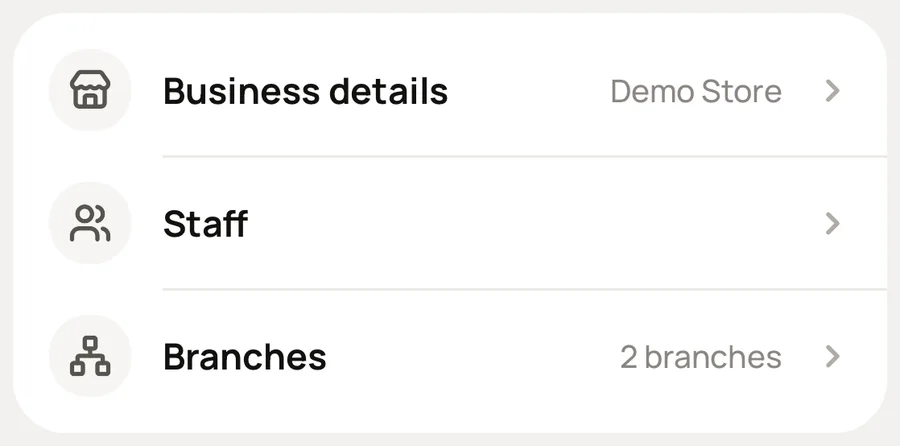
What you do, and what Meku does with it.
Settings → Your profile → Add another business.
Same login, its own records. Switch between them with one tap.
Branches → Set up: choose the businesses that are one business in several places.
Includes the one you are in, and makes them a group.
Add or change a product in the group's products.
Sends it to every branch. Each branch keeps its own stock count and can set its own prices.
Send stock from one branch to another, and confirm what arrived.
Moves the stock between the two counts. Recurring expenses and the subscription can be set once for the whole group.
No. Switching is for owning several separate businesses. Branches make them one business in several places, with shared products, transfers and one bill. Use branches only for that.
No. Each keeps its own records. Branches add a view across them. They do not join them.
Simple to use. Works on the web, iPhone and Android.
