Rent, salaries, the licence, the subscription. Set up each one once under Automations, and Meku records it on the day it is due, every week, month or year. Your profit then shows your real costs, and you never type them again.
Create your account Set-up guides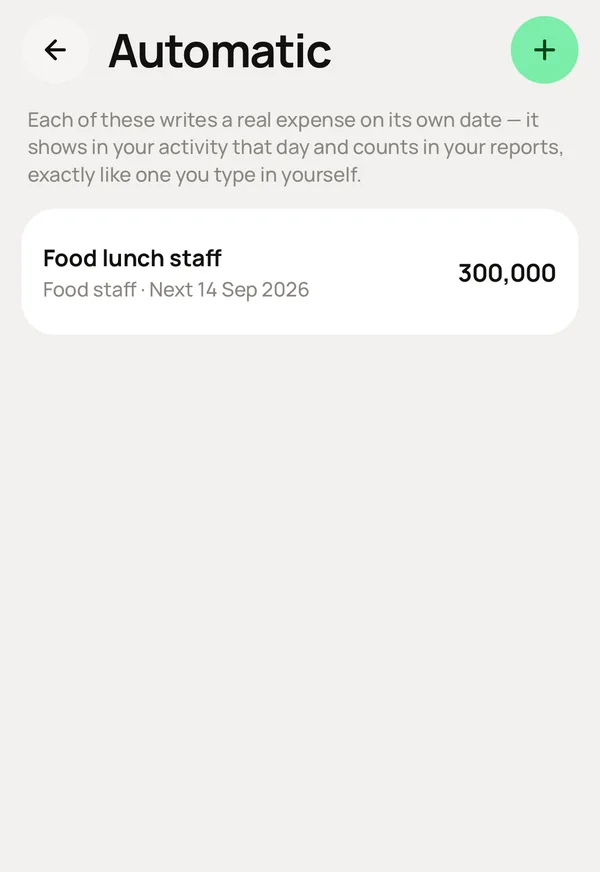
What you do, and what Meku does with it.
Automations → Set up a recurring expense: what it is, the amount each time, how often, its category, when it starts and, if you want, when it ends.
Records it on the day it is due, like one you typed, under its category, in that month's profit.
Nothing.
Counts every date from the start date, never from the one before, so rent set on the 31st stays on the 31st and never moves to the 30th.
Increase the rent, pause it, or delete it.
Changes only the future. Last month's records stay exactly as they were, and the expenses it already recorded stay, because that money really left.
The one you set on the rule. It is deducted each time, like any expense.
Change the rule. Everything it records from now on uses the new amount. Everything it already recorded does not change.
Simple to use. Works on the web, iPhone and Android.
