Everything from signing up to your financial statements, in the order you will do it. Tick each step when you finish it.
Create your account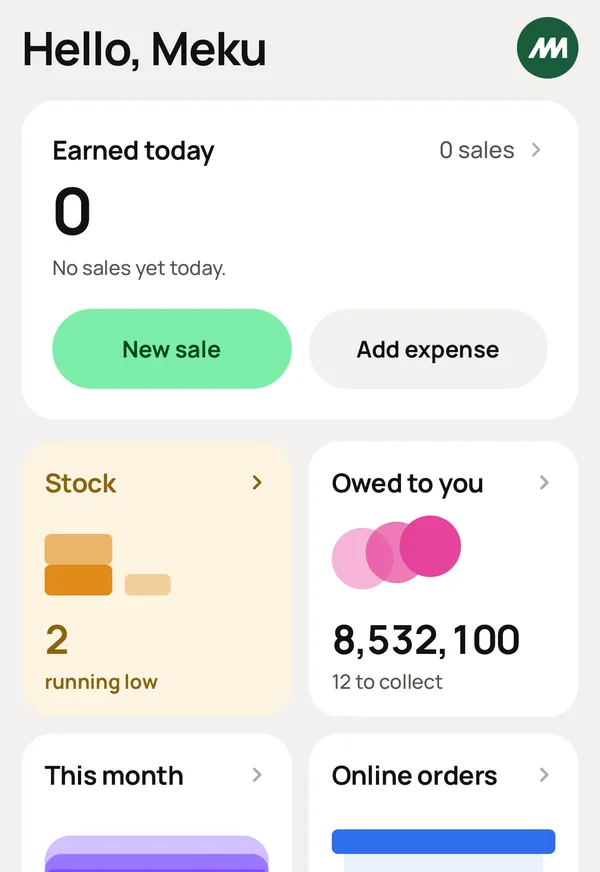
Open Meku Business.
Sign up with your name, phone and email, or tap Google or Apple.
Enter the code we send to your phone. You are now logged in.
Now the "business". Type your own name, or whatever you call your money. Amina's money works. Add a username, your phone and your email.
Choose what kind of business you run. Search Personal Finance and tap it.
The app opens on Home. Your money is on Meku.
Go to Account and tap Add account.
Create CASH. Type how much cash you have with you right now. Save.
Create M-PESA, TIGO PESA, or whichever you use. Type the balance on your phone right now. Save.
Do you have a bank account? Create it the same way: NMB, the current balance, then save.
From now on, everything you record changes these balances for you.
Go to Inventory and tap Add.
Create one item for each kind of money you receive, such as Salary, Rental income, Commission and Freelance work. Name it, choose its category (the list already has them), and set the price to the usual amount. Save.
When money arrives, tap New Sale at the home page. Tap Salary, or whichever it is, and the account the money entered. Save.
Home shows it as money in, and the account balance goes up.
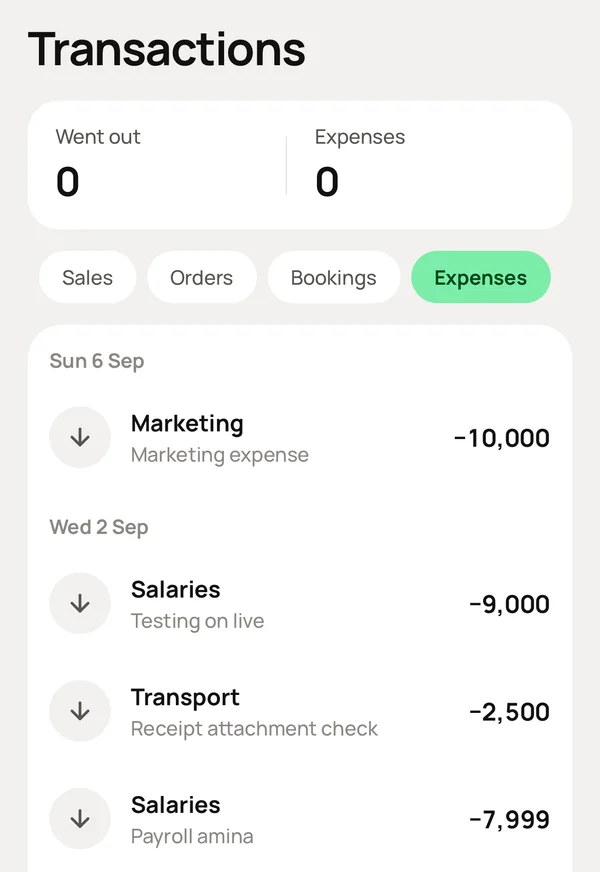
At the home page, tap Add Expense.
Enter the amount, choose the category, such as food, transport, school fees or airtime, and the account it came from. Save.
For the bills that come every month, such as rent, a loan repayment or a subscription, go to Automations and set each one up once. Meku records them on the day they are due.
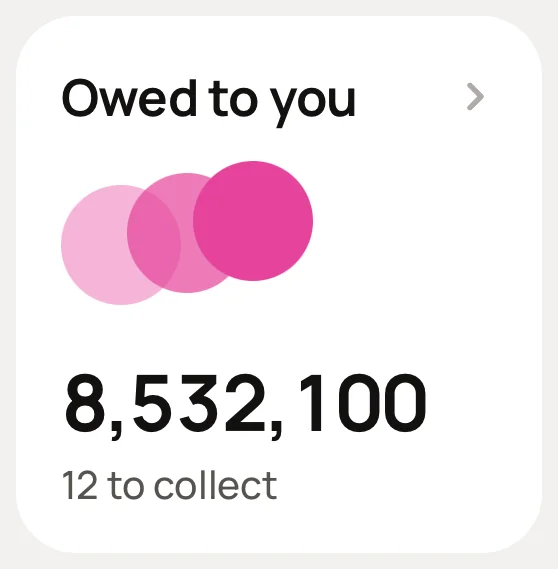
Did you lend a friend money? At the home page, tap New Sale, select Credit, and choose or create them. Save.
When they pay you back, record it in Debts. Meku sends them a reminder by SMS, so you do not have to.
Go to Financing and tap Add.
Enter who lent it, how much, when, and which account it went into. Choose the terms. Save.
When you repay, record it on the loan. Meku separates the interest from the loan itself, so you can see what the loan really costs.
Go to Account, open CASH and tap Count it.
Type what is in your pocket. Meku shows you what should be there.
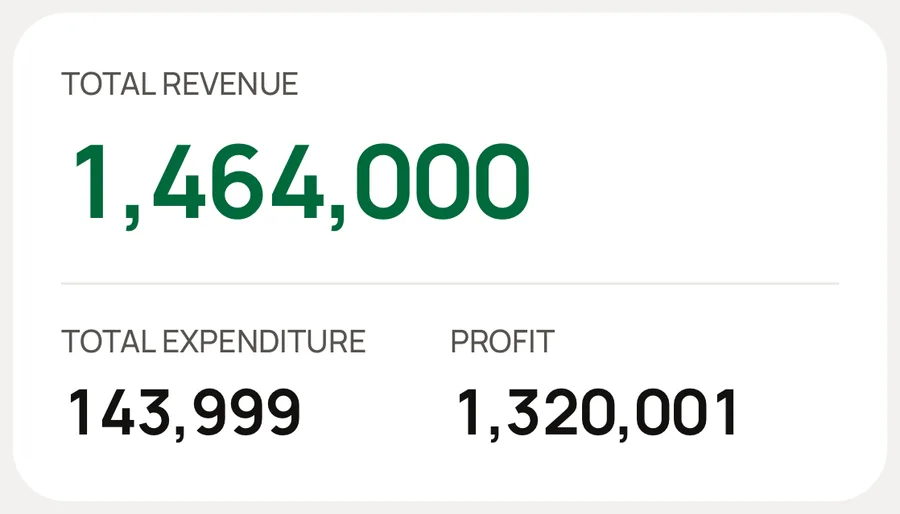
Go to Reports → Profit.
What came in, less what went out, for this week, this month, or any dates you choose. Below it, you see where the money actually went, category by category.
Your months close automatically. You can look back at any of them whenever you want.
Create your account, choose Personal Finance, and tick the steps above when you finish each one. The Free plan needs no card and has no time limit.
